
Speedtest Tracker








This program runs a speedtest check every hour and graphs the results. The back-end is written in Laravel and the front-end uses React. It uses Ookla's Speedtest cli to get the data and uses Chart.js to plot the results.
A demo site is available here.
Disclaimer: You will need to accept Ookla's EULA and privacy agreements in order to use this container.
Features
- Automatically run a speedtest every hour
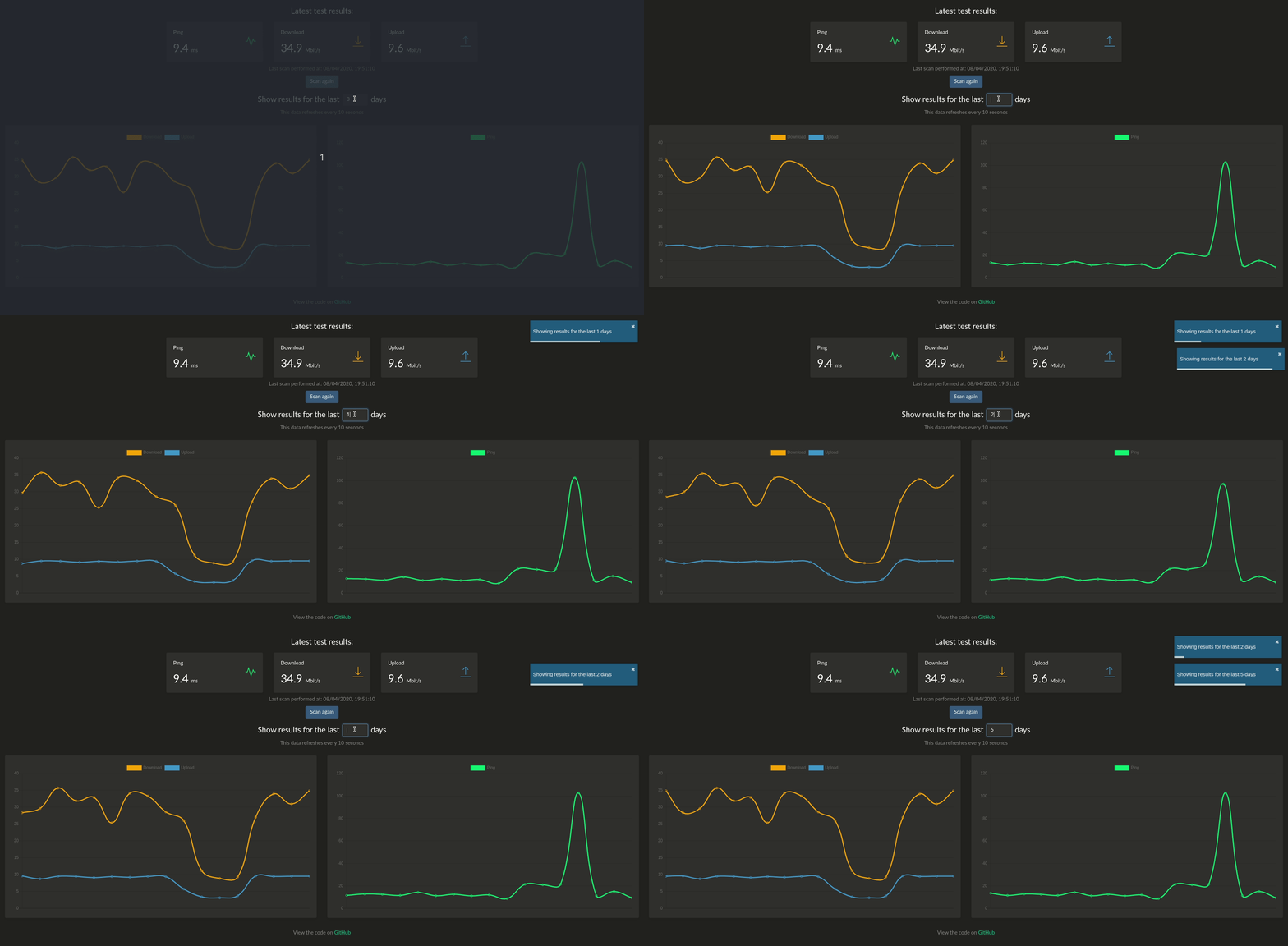
- Graph of previous speedtests going back x days
- Backup/restore data in JSON/CSV format
- Slack/Discord/Telegram notifications
- healthchecks.io integration
- Organizr integration
Usage
docker create \
      --name=speedtest \
      -p 8765:80 \
      -v /path/to/data:/config \
      -e OOKLA_EULA_GDPR=true \
      --restart unless-stopped \
      henrywhitaker3/speedtest-tracker
Docker compose
version: '3.3'
services:
    speedtest:
        container_name: speedtest
        image: henrywhitaker3/speedtest-tracker
        ports:
            - 8765:80
        volumes:
            - /path/to/data:/config
        environment:
            - TZ=
            - PGID=
            - PUID=
            - OOKLA_EULA_GDPR=true
        logging:
            driver: "json-file"
            options:
                max-file: "10"
                max-size: "200k"
        restart: unless-stopped
Images
There are 2 different docker images:
| Tag | Description |
|---|---|
| latest | This is the stable release of the app |
| dev | This release has more features, although could have some bugs |
Parameters
Container images are configured using parameters passed at runtime (such as those above). These parameters are separated by a colon and indicate <external>:<internal> respectively. For example, -p 8080:80 would expose port 80 from inside the container to be accessible from the host's IP on port 8080 outside the container.
| Parameter | Function |
|---|---|
-p 8765:80 |
Exposes the webserver on port 8765 |
-v /config |
All the config files reside here. |
-e OOKLA_EULA_GDPR |
Set to 'true' to accept the Ookla EULA and privacy agreement. If this is not set, the container will not start |
-e SLACK_WEBHOOK |
Optional. Put a slack webhook here to get slack notifications when a speedtest is run. To use discord webhooks, just append /slack to the end of your discord webhook URL |
-e TELEGRAM_BOT_TOKEN |
Optional. Telegram bot API token. |
-e TELEGRAM_CHAT_ID |
Optional. Telegram chat ID. |
-e PUID |
Optional. Supply a local user ID for volume permissions |
-e PGID |
Optional. Supply a local group ID for volume permissions |
-e AUTH |
Optional. Set to 'true' to enable authentication for the app |
Authentication
Authentication is optional. When enabled, unauthenticated users will only be able to see the graphs and tests table. To be able to queue a new speedtest, backup/restore data and update instance settings you will need to log in. To enable authentication, pass the AUTH=true environment variable.
The default credentials are:
| Field | Function |
|---|---|
| username | admin@admin.com |
| password | password |
After enabling, you should change the password through the web UI.
Getting the Image
To get the base image, you have 2 options:
- Use the pre-built image on dockerhub
- Build the image yourself
Pre-built Image
Run docker pull henrywhitaker3/speedtest-tracker
Dockerfile
Clone the required files from the github repo here making sure to use the docker branch of the repo.
Build the image from the docker file by running (within the cloned git repo):
docker build . -f Dockerfile --tag=henrywhitaker3/speedtest-tracker:<tag>